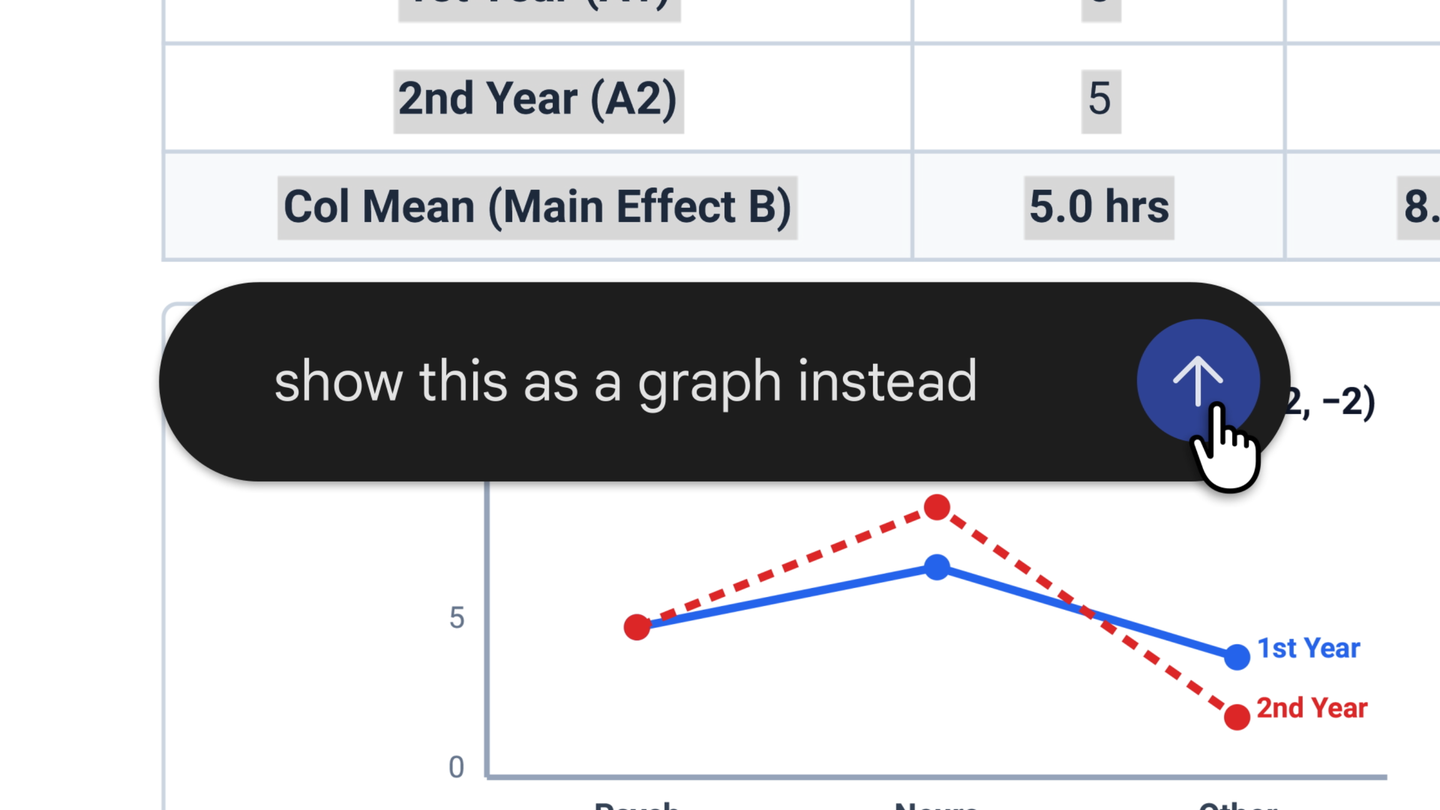
이제 채팅 안에서 파일을 만들고 미리 보거나 편집할 수 있습니다. 전체 화면으로 확장해 직접 수정 내용을 입력하고, 텍스트를 강조 표시해 질문하거나, Gemini에 파일을 다듬어 달라고 요청할 수 있습니다. PDF 미리 보기와 편집은 웹과 모바일에서 모두 지원합니다. Google Docs, Google Sheets, 슬라이드 자료, Markdown 파일, TXT 파일, 코드 등 나머지 형식은 웹에서만 지원합니다.
아래 영상에서 볼 수 있듯이, 이제 손으로 쓴 강의 노트를 업로드하고 Gemini에 PDF 학습 안내서를 만들어 달라고 요청할 수 있습니다. 그런 다음 직접 내용을 수정하거나 특정 부분을 강조 표시해 텍스트나 시각 자료를 고치도록 요청할 수 있습니다. 이어서 추가 질문을 할 수도 있습니다.
이 기능은 Gemini 앱을 사용할 수 있는 모든 지역에서 모든 언어로 제공됩니다.
영어 원문
You can now generate, preview, and edit documents, PDFs, presentations, spreadsheets, and more directly in Gemini.
We’re introducing new ways to create and refine documents, PDFs, presentations, spreadsheets, code, and more in the Gemini app.
You can now generate, preview, and edit files right within your chat — expand to full screen to type edits directly, highlight text to ask questions, or have Gemini refine your files. PDF preview and editing is supported on both the web and mobile, while all other formats (Google Docs, Google Sheets, slide decks, Markdown files, TXT files, and code) are supported on the web only.
As shown in the video below, you can now ask Gemini to create a PDF study guide from your uploaded handwritten lecture notes and then you can easily manually edit, highlight specific sections to have Gemini make edits to text or visuals, and even ask further questions.
These capabilities are now available to all users in all languages where Gemini app is available.